10 e-commerce Mistakes Killing Growth
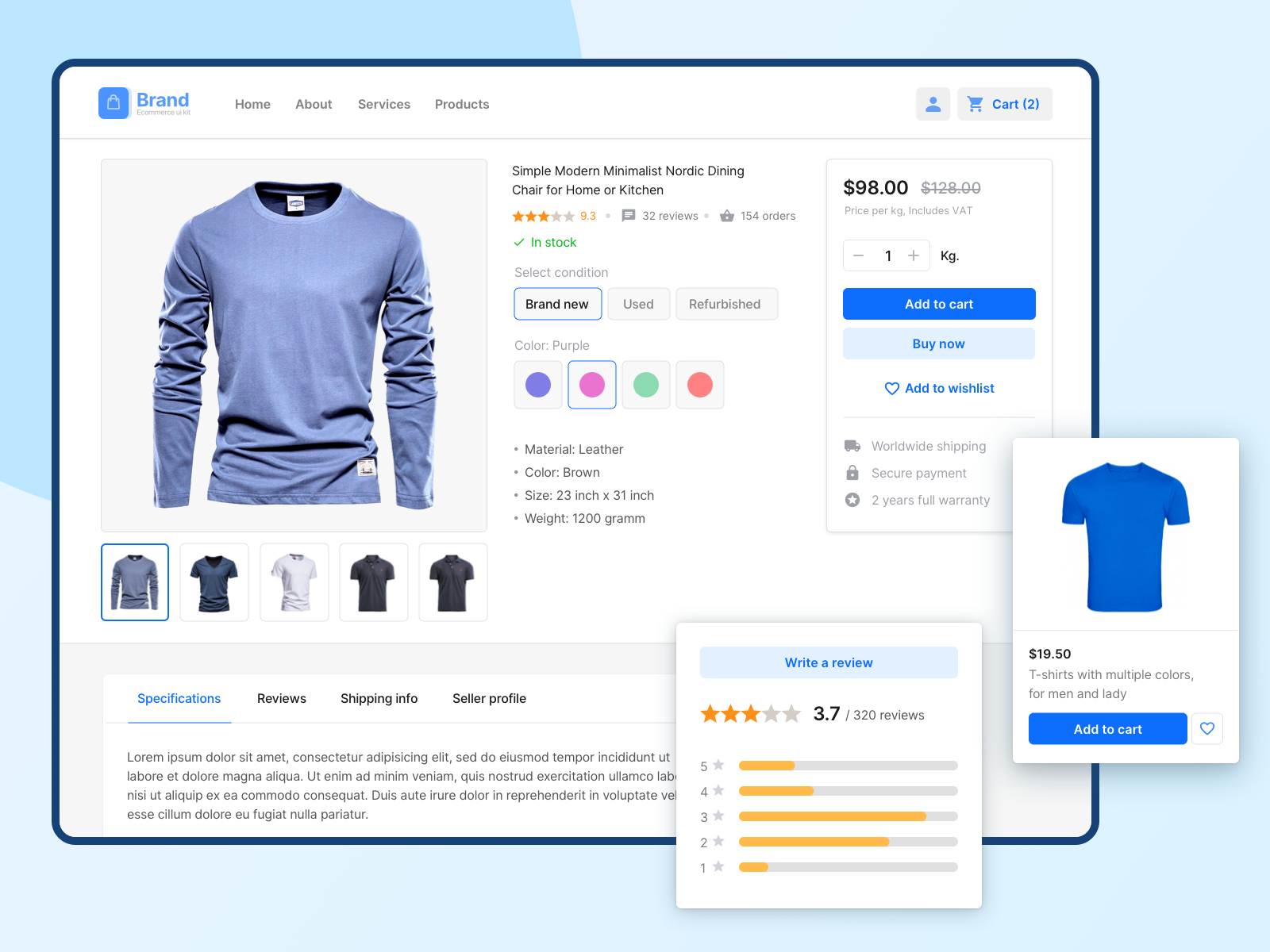
Your website is doing the job of a storefront, a salesperson, and a first impression, all at once. If it’s underperforming, the problem is usually fixable — and usually one of these ten things.
Before blaming the algorithm or the competition, it’s worth checking your own site first. Here are the most common places small businesses lose sales without realizing it:
- Confusing navigation. A visitor should be able to find what they want in three clicks or fewer. Clear labels, a logical category structure, and a search bar that actually works go further than a redesign.
- Not built mobile-first. Most of your traffic is on a phone. If checkout is awkward or text is too small on mobile, you’re losing sales before a visitor ever reaches your product.
- Weak product pages. Generic one-line descriptions don’t sell. Real detail, clear photos from multiple angles, and a description that actually explains what the product does for the buyer make a measurable difference. Platforms like Zoho Commerce, Shopify, and WooCommerce all come with product page templates built for exactly this if you’re starting from scratch.
- A complicated checkout. Every extra step, hidden fee, or confusing field is a chance for someone to abandon their cart. Cut it down to the minimum needed to complete the purchase.
- A search bar that doesn’t help. If someone can’t find what they’re looking for through your own search function, they’ll assume you don’t have it — even if you do.
- No social proof. Reviews, testimonials, and any recognizable endorsements build trust fast. If you have five-star reviews, don’t bury them — put them where a buyer will actually see them before checking out.
- A site that feels insecure. No SSL certificate, no clear privacy policy, or just a generally unpolished checkout page all read as risk to a buyer, even if nothing is actually wrong. This is worth fixing even if you’ve never had an issue — perception matters as much as reality here.
- A site with nothing to read. A blog, a set of guides, or just answers to the questions your customers actually ask helps people trust you before they buy, and gives search engines and AI tools something to find you by.
- No mobile-specific marketing. SMS, targeted social posts, and location-based promotions reach customers where they already are, rather than waiting for them to come find you.
- Guessing instead of testing. Before rolling out a big change to your site, test it on a smaller group first. Show a new product page layout to a portion of visitors, compare results against your existing page, and only roll it out fully once you know it actually performs better. This protects you from a redesign that looks better but converts worse — and it’s a lot less risky than changing everything at once and hoping.
One more thing worth the investment: blurry or low-quality product photos undercut everything else on this list. Multiple angles, good lighting, and a zoom option cost little compared to what they do for conversion.
The Bottom Line
Your website isn’t just something customers look at — it’s doing the actual work of selling for you. Treating it that way, and fixing the leaks on this list one at a time, does more for your sales than chasing the next new platform or trend.
- Claude’s Invisible Watermark Changes How Marketers Create Content
- What Is Generative Engine Optimization (GEO)? A Plain-English Guide for Small Business Owners
- Everything You Need to Know About Meta One: Features, Pitfalls, and ROI
- How to Get Found by ChatGPT: A Small Business Owner’s Guide
- How to Automate Facebook Messenger: Hand Off Hot Leads & Sync Orders to Google Sheets