The Hidden Cost of “Finding Friends”: Protect Your Contact List
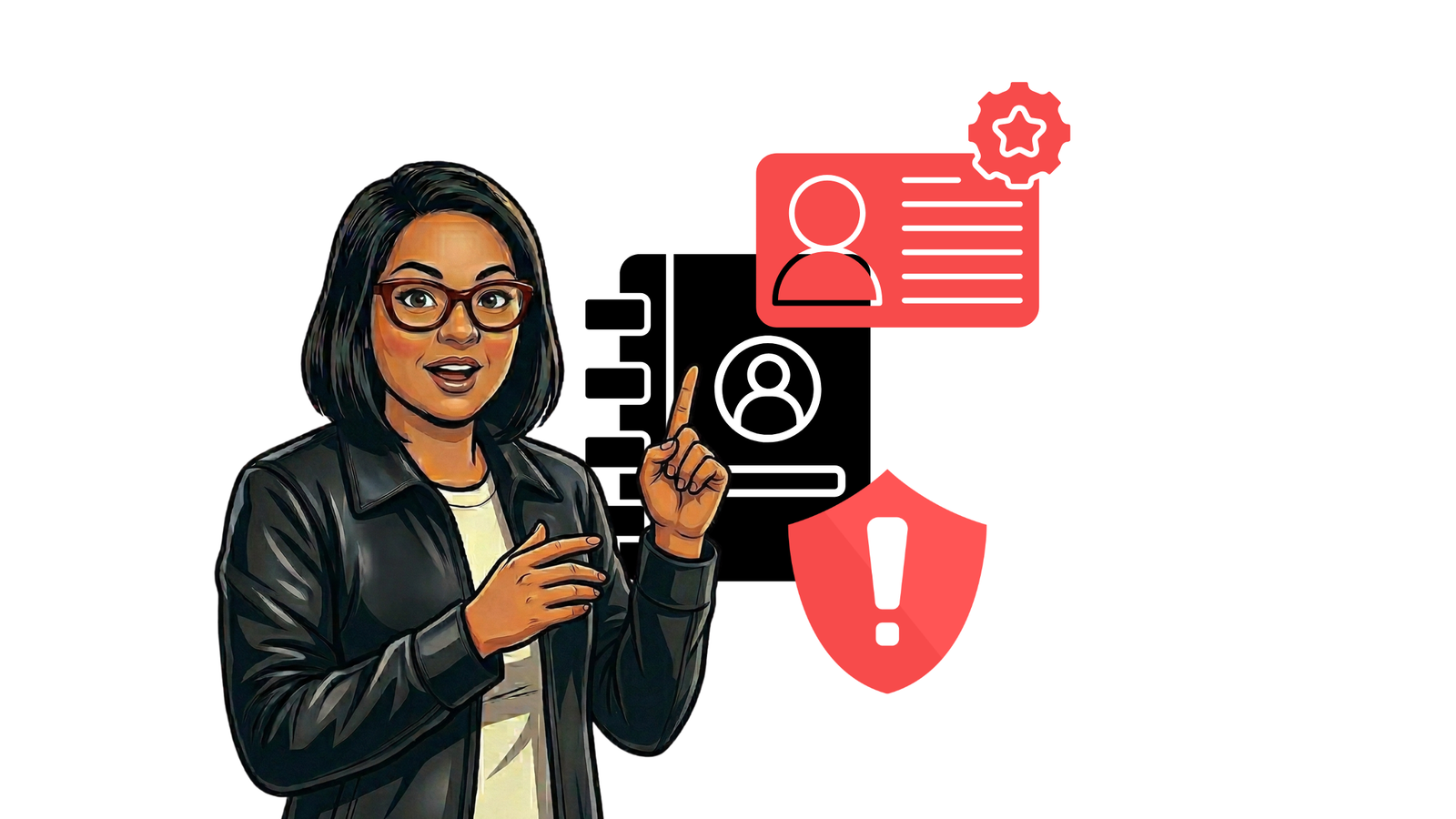
When you download a new messaging app, you are often asked to “sync your contacts” to find friends. It sounds helpful, but this simple click creates a major privacy issue. By syncing your phone book, you are sharing data that doesn’t belong only to you.
What Happens When You Sync Contacts?
When you agree to sync, you are not just sharing your own information. You are uploading the names, phone numbers, and email addresses of everyone in your phone book to the app’s servers.
This includes:
- Your family and friends.
- Your work colleagues.
- Your doctor or other private services.
- People who have never used the app and never agreed to its terms.
The Problem: Creating “Shadow Profiles”
Tech companies use this data to build “shadow profiles.” Even if your friend refuses to join a specific social media platform or messaging app, the company may still have their phone number and name because you uploaded them.
This allows apps to:
- Map social networks: They know who knows whom, even for non-users.
- Target ads: They can suggest friends or products to people based on who has their number saved.
- Track relationships: They can see how often contacts change or how many people have a specific person in their phone.
Why This is a Privacy Risk
Sharing your contact list might seem harmless, but it has real-world consequences:
- No Consent: You are giving away the personal data of others without their permission.
- Data Leaks: If the app’s server is hacked, the contact details of everyone you know could be exposed.
- Permanent Records: Once that data is uploaded, it is very difficult to get the company to delete the information of people who aren’t even users.
How to Protect Your (and Your Friends’) Privacy
You can still use these apps while being more careful with your data. Here is how:
- Say “No” to Syncing: When an app asks for permission to access your contacts, deny it. You can usually add friends manually by typing in their specific phone number.
- Review App Permissions: Go to your phone’s Settings > Privacy > Contacts. Look at the list and turn off access for any app that doesn’t strictly need it.
- Use Privacy-Focused Apps: Some apps are designed to find friends without storing your entire contact list on their servers. Look for apps that use “mathematical hashing” to protect numbers.
- Clean Your Contacts: Periodically delete old numbers or contacts you no longer need. This reduces the amount of data shared if you do decide to sync.
Your contact list is a map of your private life and the lives of those around you. When you "sync," you are acting as a data source for tech companies. To keep your circle safe, think twice before you share your phone book.
- Claude’s Invisible Watermark Changes How Marketers Create Content
- What Is Generative Engine Optimization (GEO)? A Plain-English Guide for Small Business Owners
- Everything You Need to Know About Meta One: Features, Pitfalls, and ROI
- How to Get Found by ChatGPT: A Small Business Owner’s Guide
- How to Automate Facebook Messenger: Hand Off Hot Leads & Sync Orders to Google Sheets